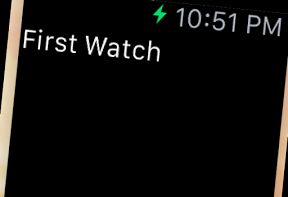

WatchKitのシミュレータに 文字を表示するAppleWatchアプリのサンプルコードを描いてみます。
「作るまでの流れ」
- Xcode -> File -> new project -> Single View Applicatoin を作ります。(※ラベルを表示するだけなので、こっちのソースはいじりません。)
- Xcode -> File -> new Target -> WatchKit App
- storyboard : add label
- InterfaceController.swift : add IBOutlet <- storyboard
- label.setText
import WatchKit
import Foundation
class InterfaceController: WKInterfaceController {
@IBOutlet weak var label: WKInterfaceLabel!
override init() {
super.init()
label.setText(“First Watch”)
}
}